Content Cabinet
The short answer
A storyboard is one frame per shot, in order, with what we see, what we hear and how many seconds each shot lasts. Build one in the online storyboard maker below and play it back as an animatic, or download a free printable PDF: 16:9 for films and YouTube, 9:16 for Reels and Shorts, 4:5 or 1:1 for feed posts.
Time every frame. A voiceover at a normal pace runs about 2.5 words a second, so a 3-second shot holds about 7 words. A 30-second ad usually needs 8 to 12 frames.
- Shot 1
- Shot 2
- Shot 3
- Shot 4
- Shot 5
- Shot 6
Your board stays in this browser and is still here when you come back. Pictures are shrunk and kept on this device only.
Printable storyboard templates (PDF)
Four A4 sheets, free to print, copy and share. They print fine on US Letter paper with "fit to page" turned on.
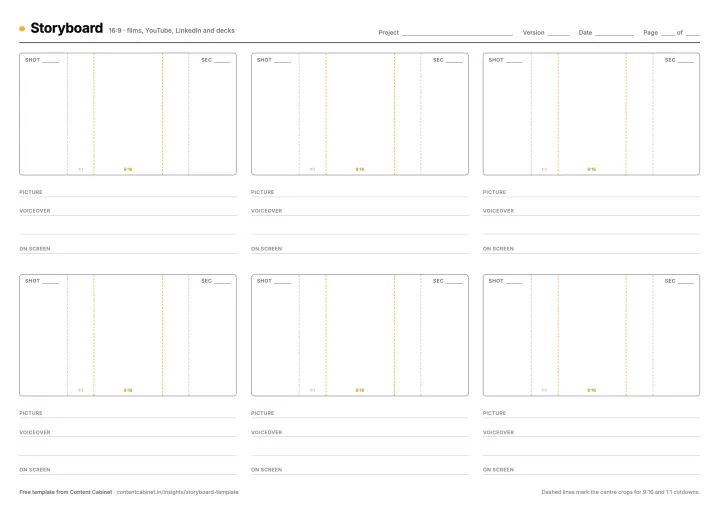 16:9 storyboardFilms, YouTube, LinkedIn and decks. Six frames on A4 landscape, with crop lines for 9:16 and 1:1 cutdowns.Download the PDF
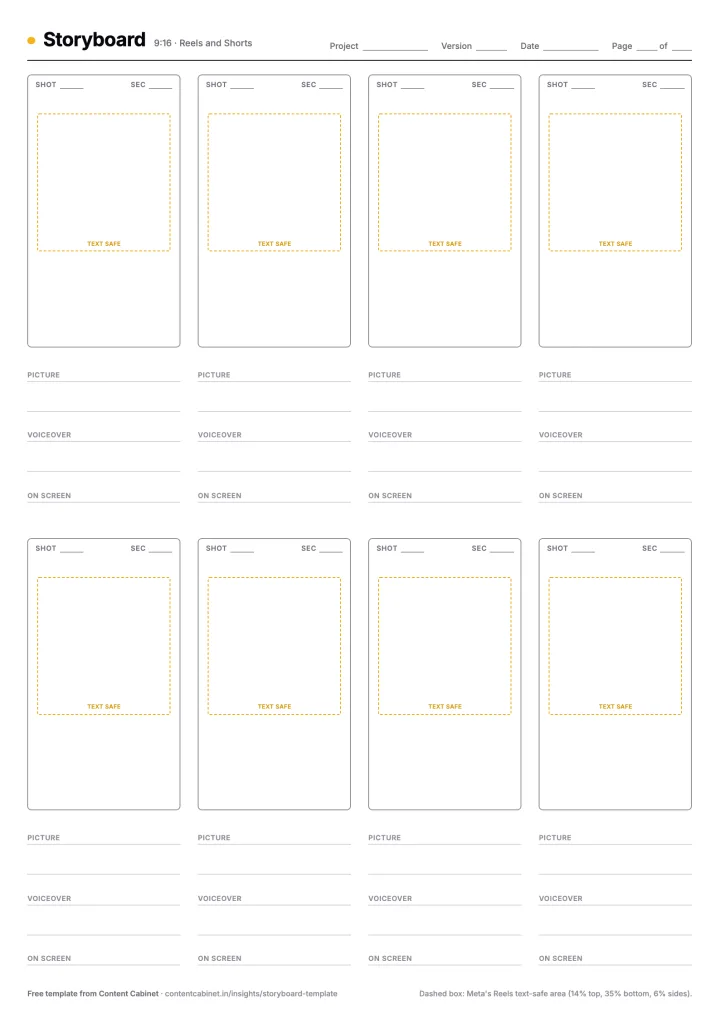 9:16 storyboardReels and Shorts. Eight frames on A4 portrait, with the text-safe area marked in each one.Download the PDF
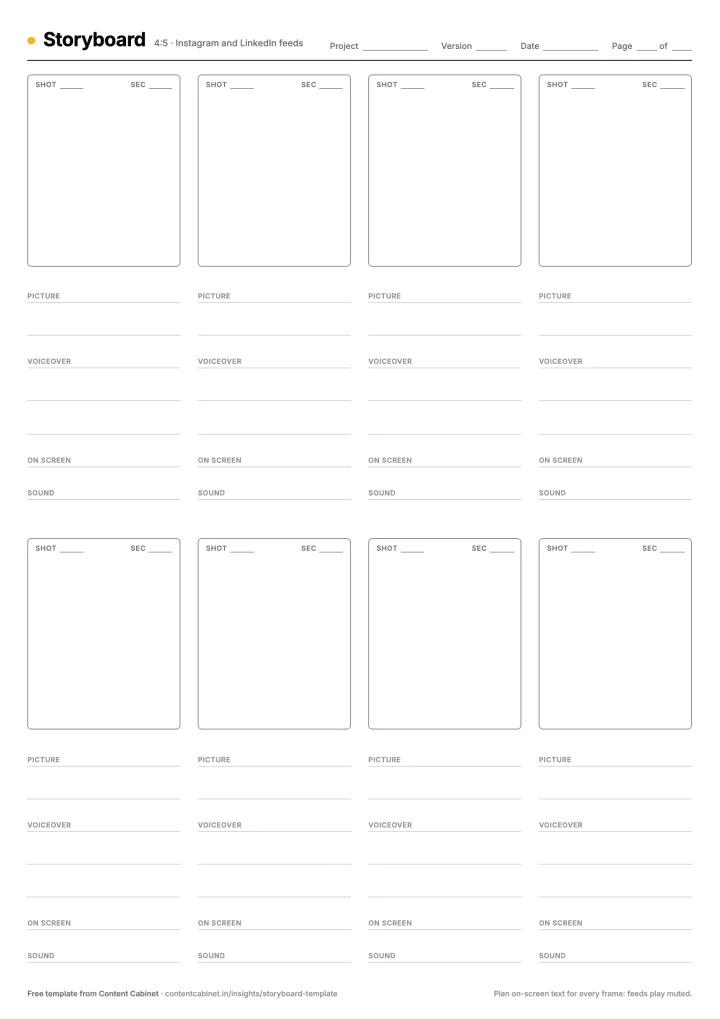 4:5 storyboardInstagram and LinkedIn feed video. Eight frames on A4 portrait, with room for on-screen text.Download the PDF
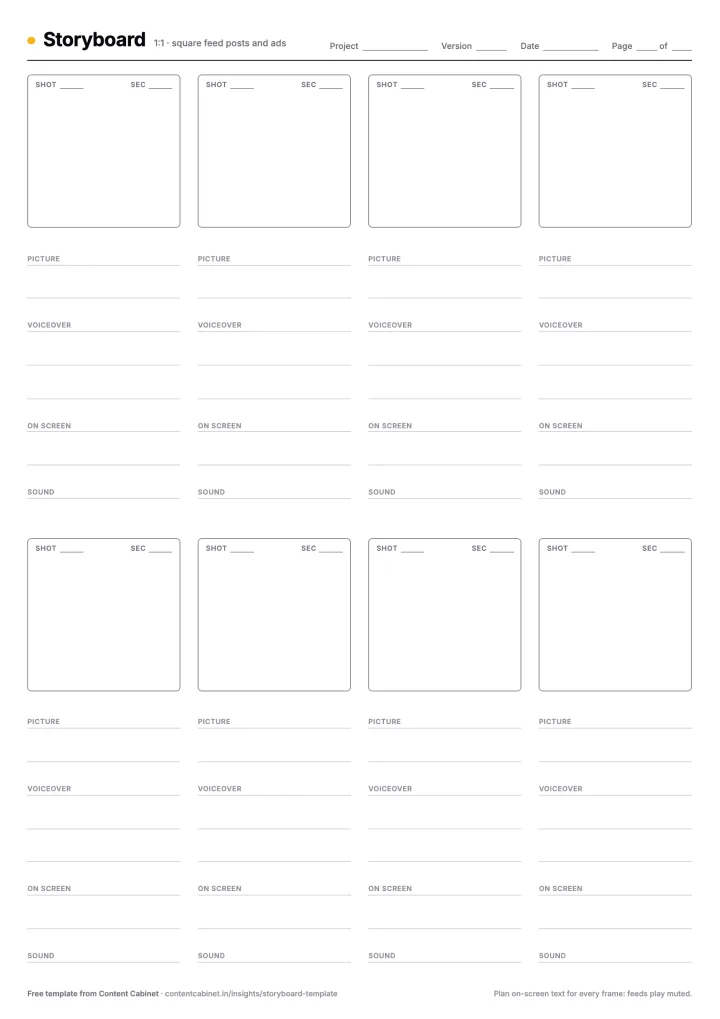 1:1 storyboardSquare feed posts and ads. Eight frames on A4 portrait.Download the PDF
What to put in each frame
- Shot number and seconds. The seconds matter most. Add them up and you know whether the film fits its slot before anyone shoots a frame.
- Picture. What the camera sees: how wide the shot is, who or what is in it, and which way things move. Arrows do more than detail.
- Voiceover or dialogue. The exact words. At about 2.5 words a second, a line that needs 10 seconds is three shots, or a line that is too long.
- On-screen text. Titles, captions, numbers and the call to action. Feed video often plays muted, so this box carries the message for anyone watching without sound.
- Music and sound. Where the music lifts, a sound effect, or silence. Leave it out and the edit decides for you.
How many frames does a storyboard need?
One frame for every shot, so the answer depends on the length and the pace of the cut.
| Video | Frames | Pace |
|---|---|---|
| 15-second ad or reel | 5 to 8 | A new shot every 2 to 3 seconds |
| 30-second ad or reel | 8 to 12 | 2.5 to 4 seconds a shot |
| 60-second explainer | 12 to 20 | 3 to 5 seconds a shot |
| 90-second brand film | 12 to 25 | Longer shots, with room for the music |
| 2 to 3-minute explainer | 25 to 45 | Group the frames into scenes |
A filled-in example: a 30-second launch reel
Here is a 9:16 board for a reel launching a warehouse robot. It is an example written for this guide, not a client's board.
| Shot | Sec | Picture | Voiceover | On screen |
|---|---|---|---|---|
| 1 | 3.5 | Close-up: a picker lifts a heavy carton off a high shelf and winces. | “Every warehouse still runs on lifts like this.” | |
| 2 | 2.5 | Wide: long aisles. The robot rolls into frame. | “Meet [Robot].” | [Robot] |
| 3 | 4 | The arm picks the same carton, smooth and steady. | “It picks the heavy boxes, shelf after shelf.” | Lifts up to [X] kg |
| 4 | 3.5 | Top-down: a worker steps into the aisle. The robot slows and waits. | “It sees people, and slows down for them.” | |
| 5 | 4 | Screen recording: the fleet dashboard, orders moving. | “Your team runs the whole fleet from one screen.” | One screen for the fleet |
| 6 | 3.5 | Three quick cuts: a small box, a tall box, an odd-shaped box. | Music only | Fits the shelves you already have |
| 7 | 4 | The picker from shot 1, scanning orders, relaxed. The robot lifts behind. | “So people do the work that needs people.” | |
| 8 | 5 | End card: the logo on black, the robot's outline. | “[Company]. Book a pilot.” | Book a pilot: [website] |
In our first draft of this example, shot 4 had 2.5 seconds. The maker flagged it: an 8-word line needs about 3.2 seconds. Shot 4 got a second more, taken from the end card. That is the whole point of timing a board. A clash like that costs a minute to fix on paper and a day to fix in the edit.
Storyboard, shot list, animatic and mood board
- Storyboard: the frames in order, one per shot, with sound and timing. It is how everyone agrees what the film looks like before it is shot or animated. Storyboards come from animation: Disney's studio was using them by the early 1930s, and the first complete set is usually credited to Three Little Pigs (1933).
- Shot list: the same shots as a table for the shoot day, sorted by location and setup rather than story order, with the lens, people and props for each. The maker above exports one as a spreadsheet.
- Animatic: the storyboard frames cut to time with a scratch voiceover and music. It tests the pace before production. The maker's Play button gives you a rough one.
- Mood board: the look and feel, such as colour, light, type and references. It has no order and no timing, so it sits next to the storyboard, not in place of it.
How to storyboard if you can't draw
- Stick figures and arrows. A frame needs the shot size, who is in it and which way things move. Nobody needs a good drawing.
- Phone photos. Stand where the camera will be, or set the shot up on your desk with whatever is to hand, and take a photo. Drop the photos into the maker above.
- Screenshots for product films. For an app or a dashboard, each frame is a screenshot with a circle around what moves.
- CAD views for hardware. For a deep tech product, export stills from the CAD model at the camera angles you want. They are more accurate than a sketch, and the 3D team can start from the same angles later.
- AI images, with care. They are quick for framing and mood, but they invent details. Never let a generated frame stand in for the real product in front of a client or an investor.
The mistakes we see most
- One frame for a whole scene. A frame is a shot. When the camera cuts, start a new frame.
- A paragraph under every frame. If a frame's voiceover takes 10 seconds, it is three shots, or the line is too long. Our script length calculator times a whole script.
- An empty on-screen text box. Plan the words people read as well as the words they hear.
- No timings. Fourteen frames of 3 seconds is a 42-second film, whatever the brief says.
- Text where the buttons go. On a 9:16 frame, Meta asks advertisers to keep text out of the top 14%, the bottom 35% and 6% in from each side, where Reels shows its buttons, captions and profile name. Our 9:16 sheet marks that area.
- No frame for the ending. The logo, the call to action and any required warning need frames and seconds of their own. A mutual fund's video, for example, has to show and read out SEBI's standard warning. The SEBI disclaimer generator gives the exact line and how long it takes.
How we use storyboards
For explainers and 3D product films, the storyboard is where the client signs off, before any animation starts. Changing a drawing takes minutes; changing a rendered 3D shot can take days. We then cut the frames into an animatic with a scratch voiceover. When a client reviews it, we step through it one shot at a time instead of letting it run at full speed, so every frame gets read. The animatic in the maker above works the same way: press Pause, then use the arrows.
Questions people ask
What is a storyboard template?
A page of empty frames with space under each one for what we see, what we hear and how long the shot lasts. You sketch one frame per shot, in order, so everyone agrees on the film before it is shot or animated.
How many frames should a storyboard have?
One per shot. As a rule of thumb, a 30-second ad or reel has 8 to 12 frames, a 60-second explainer 12 to 20, and a 2 to 3-minute explainer 25 to 45.
What storyboard size should I use for Instagram Reels or YouTube Shorts?
9:16, the vertical shape of a phone screen. Keep text out of the top 14%, the bottom 35% and 6% in from each side, the space Meta asks advertisers to keep clear on Reels ads. Our 9:16 template marks that area.
Can I make a storyboard online for free?
Yes. The storyboard maker on this page is free and needs no sign-up. Add a picture and notes for each shot, set the seconds, then play it as an animatic, print it, save it as a PDF or download the shot list. Your board stays in your browser.
What is the difference between a storyboard and an animatic?
A storyboard is the frames on a page. An animatic is the same frames edited to time with a scratch voiceover and music, so you can feel the pace before production starts.
Do I need a storyboard for a podcast or talking-head video?
Not frame by frame. A shot list and a running order do the job. Storyboard the parts that need planning, such as the cold open, the titles and any B-roll.